 Teleprompter for Android
Beast Teleprompter for Android
Download Beast Teleprompter from Google Play. AI voice following, floating prompts and video recording in a native Android app.
Key Features
Google Play app
Install the native Android app from Google Play, not a browser shortcut.
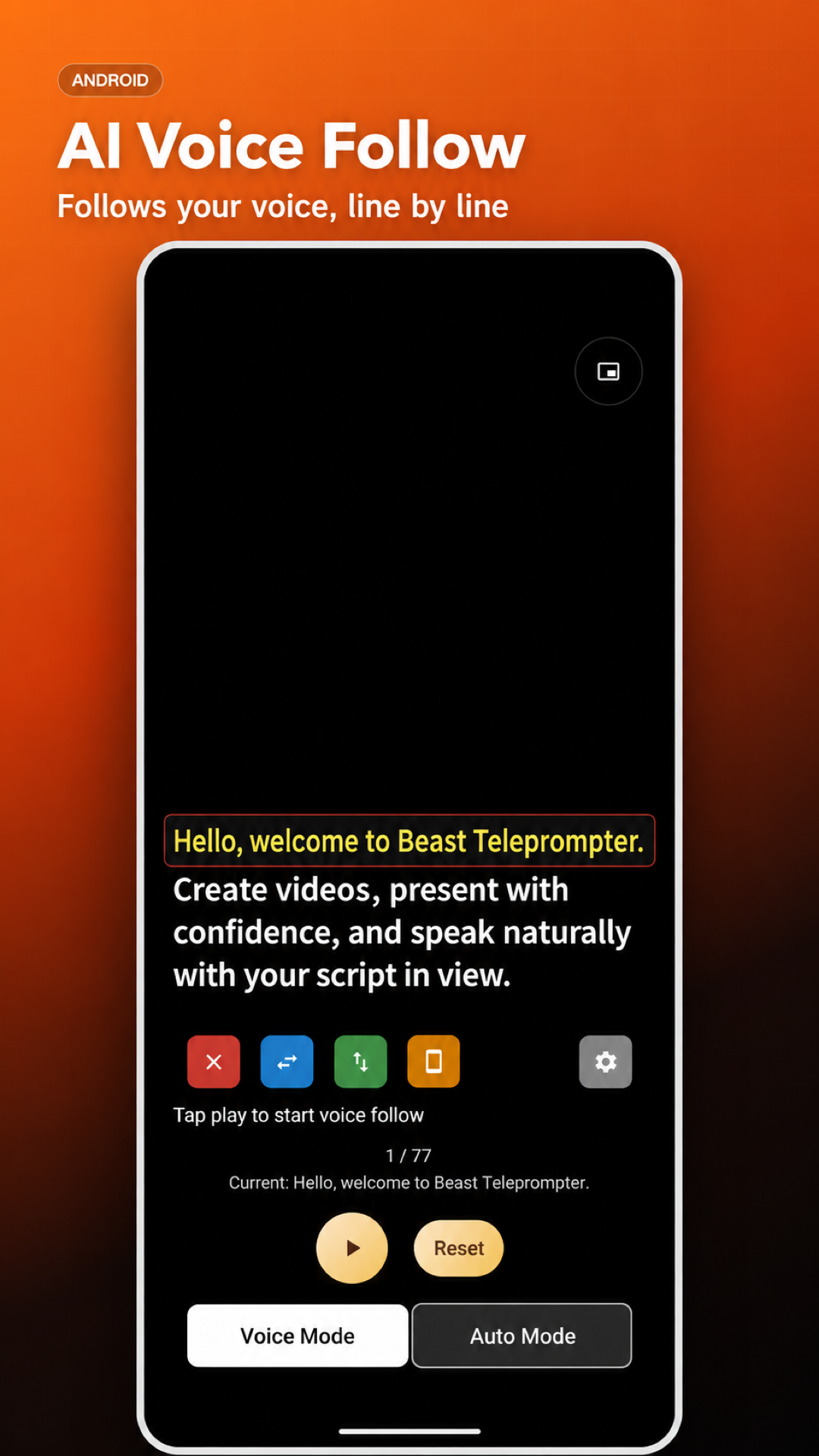
AI voice following
Read at your own pace with speech-matched scrolling.
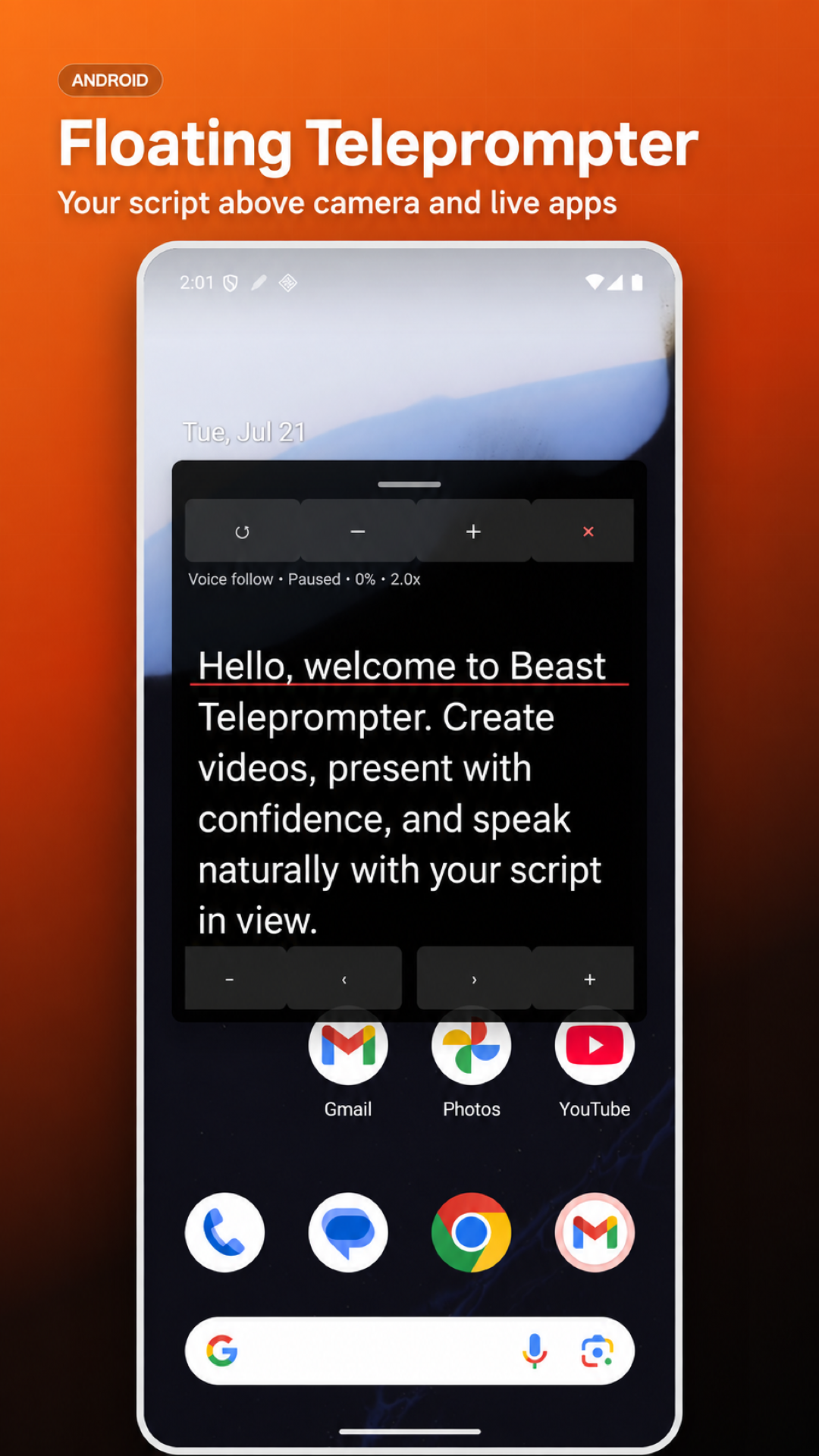
Floating teleprompter
Keep your script visible over other apps with an adjustable floating window.
Video recording
Record with front or rear cameras. 4K requires Pro and a compatible device.
Perfect For
YouTube Video Creation
Record professional YouTube videos with your Android phone. Keep your script visible while recording and deliver polished content every time.
TikTok & Social Media
Create engaging TikTok and social media content with confident delivery. Read your script while recording short-form videos.
Speech Practice
Practice speeches and presentations on the go. Adjust scrolling speed to match your natural pace and rehearse until confident.
Video Presentations
Connect your Android phone to a display or projector for presentations. The teleprompter handles your script while you focus on your audience.
Podcast & Audio Recording
Keep your podcast outline or interview questions on screen while recording. Stay organized and never miss a key talking point.
Ready to Get Started?
Join thousands of content creators who trust Best Teleprompter for their professional needs.
Frequently Asked Questions
How do I install the Android app?
Open Google Play using the download button, then tap Install.
Which Android devices are supported?
Google Play shows whether the app is compatible with your device. Camera capabilities vary by device.
Is this a native app or a PWA?
This download is the native Beast Teleprompter app. The free browser teleprompter remains available separately.
Can I use it while recording?
Yes. Use the built-in recorder or enable floating prompts over another app. Grant camera, microphone and overlay permissions when requested.