 Teleprompter for Mac
The Best Teleprompter for Mac
A native macOS teleprompter app with floating window mode, AI-powered voice following, and Apple Silicon optimization. Professional prompting experience on your Mac.

macOS
App Screenshots
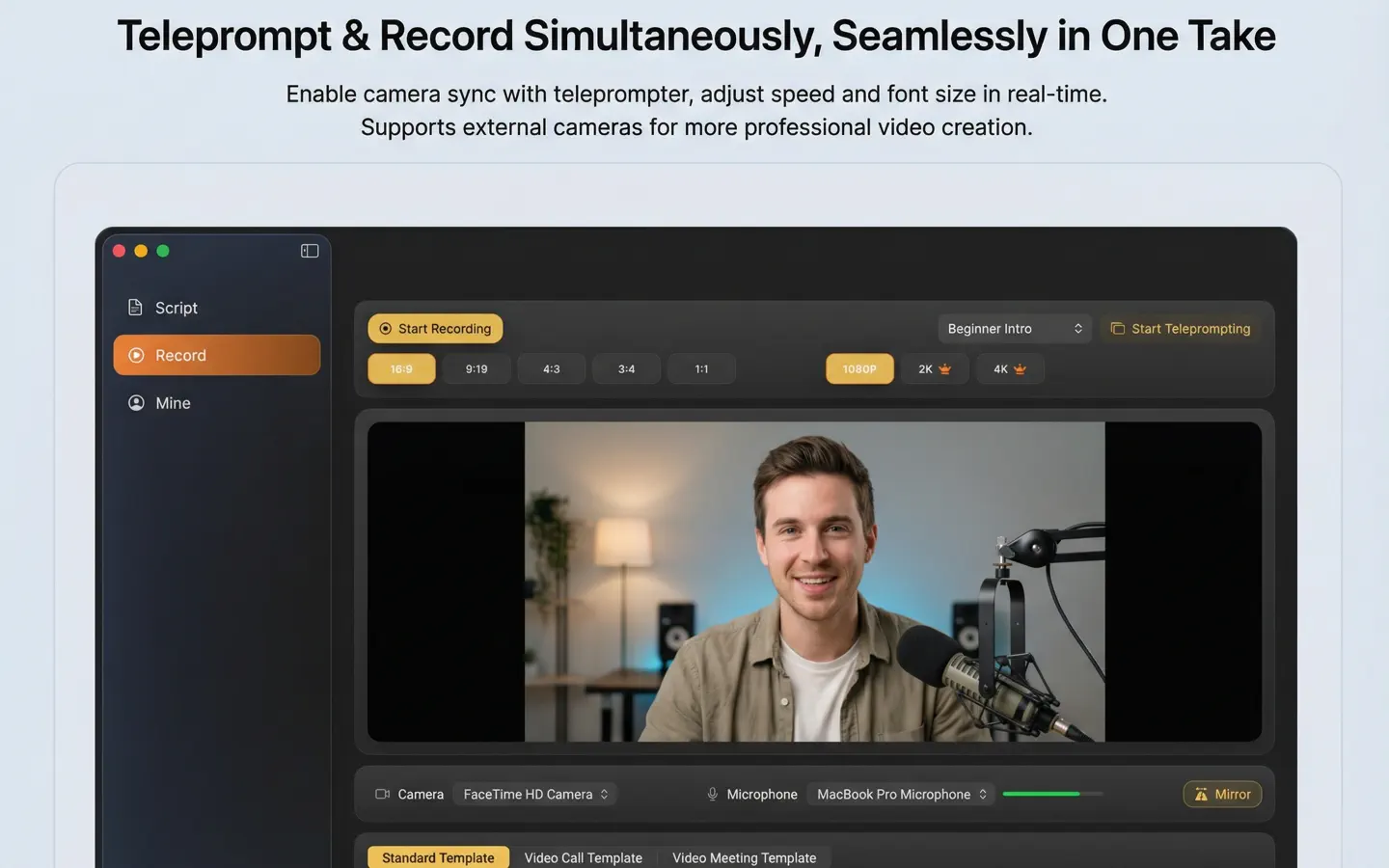
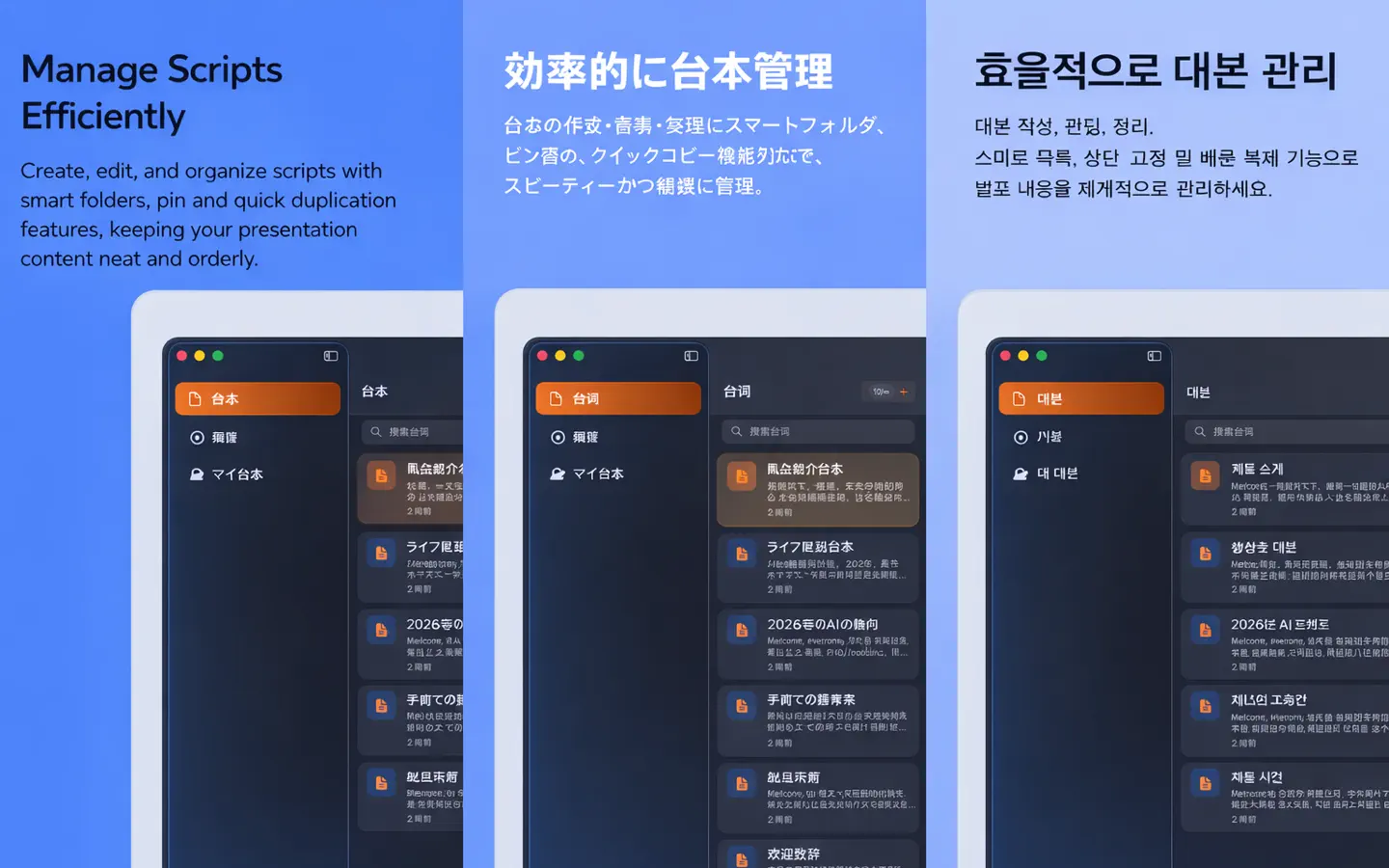
Key Features
Native macOS Experience
Built specifically for macOS with native UI elements, smooth animations, and seamless integration with your Mac workflow. Supports macOS 12.0 Monterey and later.
Floating Window Mode
Keep the teleprompter floating above other apps while you record or present. Perfect for reading scripts during Zoom calls, screen recordings, or live presentations.
Apple Silicon Optimized
Runs natively on Apple Silicon (M1/M2/M3/M4) chips for maximum performance and battery efficiency. Ultra-smooth scrolling with minimal resource usage.
AI Voice-Following
Advanced speech recognition automatically scrolls the text as you speak. The teleprompter follows your natural speaking pace - speed up or slow down naturally.
Perfect For
Zoom & Video Calls
Float the teleprompter over your Zoom window to read talking points while maintaining eye contact with your camera.
Screen Recording & Tutorials
Record professional screen tutorials with a floating script. Stay on track and deliver polished content without memorizing every word.
Podcast Recording
Keep your podcast outline or full script visible while recording. The AI voice-following ensures you never lose your place.
YouTube Content Creation
Create high-quality YouTube videos with perfect delivery. Use the floating window alongside your video editor or recording software.
Keynote & Presentations
Present with confidence using the teleprompter alongside your Keynote or PowerPoint slides. Never forget a key point again.
Ready to Get Started?
Join thousands of content creators who trust Best Teleprompter for their professional needs.
Frequently Asked Questions
What are the system requirements for the Mac version?
The Mac app requires macOS 12.0 (Monterey) or later and runs natively on Apple Silicon (M1/M2/M3/M4) Macs. It also works on Intel Macs through Rosetta 2.
Can I use the floating window with any app?
Yes! The floating teleprompter window stays on top of all other applications. Use it with Zoom, Google Meet, OBS, Final Cut Pro, or any other app.
Does the AI voice-following work offline?
The AI voice-following uses on-device speech recognition for privacy and works with minimal latency. An internet connection may be required for initial setup.
Is the Mac app really free?
Yes, the core teleprompter features are completely free. Download from the App Store and start using it immediately with no watermarks or usage limits.